
With our online banking and mobile app, it’s like having a mini State CS branch at home (or in your pocket). Securely and conveniently manage your accounts anytime, from anywhere. Once you’re enrolled in online banking, you will use the same credentials to log in to the mobile app, at which point you can choose to set up biometric login for quick, secure access.
- View account balances and transaction history
- Transfer funds between your State CS accounts
- Pay your State CS loans
- Pay bills with free Bill Pay (set up Payees in desktop, then you can pay from desktop or mobile)
- Deposit a check through the mobile app
- View your eStatements, tax forms and check images
- Reorder checks
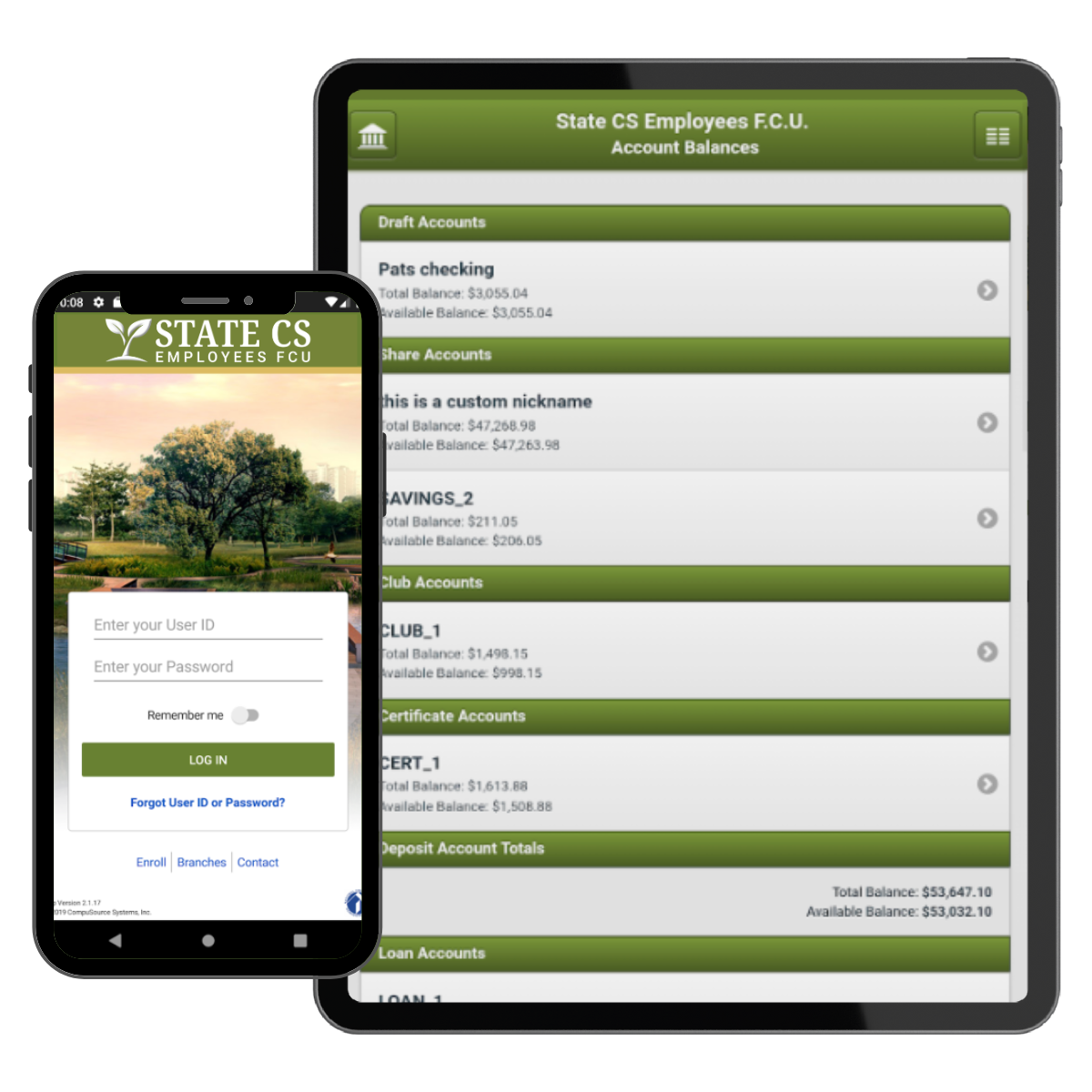
Download the Mobile App


Enroll in Online Banking
Setting up your online banking for the first time? Please follow these steps and answer a few easy questions to get yourself started.
- Click the Enroll button below.
- Accept the Terms and Conditions.
- Enter your account information and email address as on file with State CS.
- Create three security questions and answers. These will be your security questions to access your account in the future.
- Create User ID and Password:
- The user ID can be anything that you want and doesn’t need to be your account number.
- The password will require one upper-case letter and one number (0-9).
- You will be using these credentials as you go forward. With each device, you will be prompted upon first login to answer a security question.
Any questions or need assistance please contact our office.